Sony Is Deleting 500+ Movies People Thought They Owned. Your Business Might Be Making the Same Mistake!
Sony recently published a notice that should make anyone who has ever clicked a digital “buy” button pause for a moment. From 1 September 2026, PlayStation users will no longer be able to access 500+ previously purchased StudioCanal movie content because of content licensing agreements. The notice says the content will be removed from customer video libraries. You can read the PlayStation notice here.
Previously purchased. Not rented.
Purchased!! Goneski.
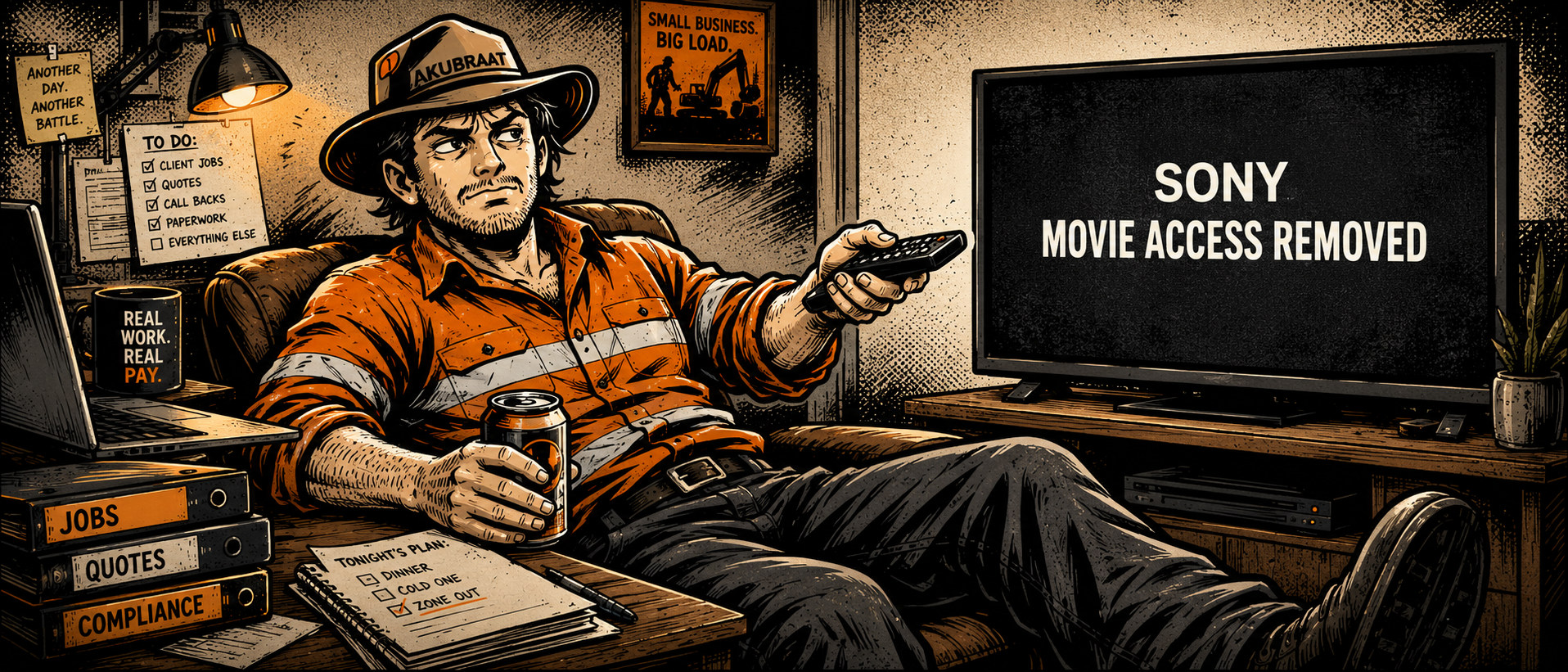
Users are going to lose access to something they quite reasonably thought they owned. Some media reports are also saying no refunds or compensation are being offered, although the more important point for this article is not really the refund issue. It is ownership.
Most of us have bought digital movies through Apple, Prime, PlayStation or some other platform and assumed that the word “buy” meant what it has always meant. You pay for the thing, you own the thing, and you can watch the thing later whenever you feel like it.
Except, in many digital environments, that is not really what is happening. What you often own is not the asset itself. What you own is actually only access, sitting inside a licensing arrangement somewhere in the background that most people never read and almost no one thinks about until it changes.
I’ve had this happen in a much smaller way myself. I went looking for a movie one night I was sure I had bought, Ready Player One from memory, and it just wasn’t there. Maybe I bought it somewhere else. Maybe I remembered it wrong. Maybe something changed. I looked across all platforms, nothing.
Either way, the experience was the same. I went to access something I thought I owned, and it was gone.
And that is what made the Sony example stick for me and make it into this article because while the Sony story is about movies, the business lesson is much much bigger.
A lot of small businesses are now making a similar mistake with AI tools, SaaS platforms, workflow automation tools and even consultants. They think they are building capability, but in reality, they may only be building access to capability inside someone else’s system.
This is where the idea of digital sovereignty becomes important for businesses.
For a small business or Solops (I’m coining terms now), digital sovereignty does not need to mean some enterprise IT strategy. It simply means the business retains practical control over its own data, workflows, systems, knowledge and operating logic, even when it uses external digital tools.
Because using a tool is not the problem. Losing control of your own capability because of the tool is.
This is not an anti-technology argument. It is not an anti-AI argument either. Quite the opposite.
AI and automation tools can be incredibly useful when applied properly. They can reduce admin friction, improve consistency, speed up drafting, support document creation, assist with review processes and make a small business far more capable than it would have been even a few years ago.
Some recent examples I have written about are:
Voice Prompting with AI: Better Context, Better Outputs — Papillon HSEQ Systems
and
I Realised I Was My Own Bottleneck | Papillon Echoes — Papillon HSEQ Systems
The problem is allowing those tools to hold the actual operating logic of the business.
That is where the risk starts.
A small business owner might sign up to an AI workflow platform because it solves a painful problem. Maybe it automates client intake. Maybe it drafts proposals. Maybe it creates reports. Maybe it connects forms, emails, documents and follow-ups into one neat workflow. At first this feels like a win, and often it is. The tool costs out ok, saves time, the process runs, the output appears and the business feels more capable.
But then the question becomes, what does the business actually own?
Does it own the workflow logic, or does that only exist inside the platform? Does it own the prompts, templates and decision rules, or are they buried inside the tool? Does it have its client data in a clean format that can be exported, backed up and reused elsewhere? Could the same process be rebuilt in another system if pricing changed, features disappeared, the provider shut down, or the tool no longer met privacy expectations?
This is the part many small businesses will not think about early enough.
They will start using AI because it is useful, obviously.
They will connect a few tools together because it saves time. They will sign up for a platform because it appears to solve a workflow problem. Then, slowly, the business process begins to live inside the rented layer. A bunch of cobbled together 3rd party workflows.
If the tool changes, the business may suddenly discover that it does not really own the system it depends on. It owns access to the system, but on someone else’s terms…
That is not digital sovereignty. That is digital dependency disguised as productivity.
This is where the Sony example is useful. People thought they owned the movie because they clicked “buy”. But when the licensing agreement changed, the practical reality became obvious. Ownership was not as strong as it appeared. Access was conditional. Incidentally, I have a feeling this may cause some change in the future to make this lack of actual ownership more visible to the user.
Businesses can make exactly the same mistake with their operating capability.
The principle that comes out of this is simple:
Own the asset. Rent the capability.
The asset is not the AI model. The asset is not the SaaS platform. The asset is not the automation tool. The asset is the business system itself!
That means the business should own their own workflows, templates, source documents, knowledge bases, prompt libraries, client information, business rules, review processes, automation logic, storage structure and data. The AI tool, SaaS platform or automation layer should sit on top of that as an interchangeable capability layer, not become the foundation itself.
This is the hard line businesses need to start drawing.
What the Foundation Should Look Like
For a small business or Solops, digital sovereignty does not mean building some over-engineered enterprise system. That would defeat the point. The foundation should be simple enough to maintain, but structured enough that the business is not completely dependent on one tool, one consultant, one AI platform or one subscription account.
At a basic level, the business should have a clear owned layer. This is the part of the business system that should remain under your control regardless of what tools you use to execute the work.
That owned layer should include your core business documents such as policies, procedures, templates, client forms, proposal templates, safety documents, checklists, registers, standard emails and anything else that reflects how the business actually operates. These are not just files. They are part of the operating structure of the business.
It should also include your source information and knowledge. This might be client notes, project records, lessons learned, technical references, supplier information, internal guidance, pricing assumptions, operational decisions and any knowledge that helps the business make better decisions over time. This is the stuff that often ends up scattered across inboxes, chats, notebooks, personal drives, AI conversations and people’s heads.
There should be some form of workflow map, process note or flowchart explaining how work moves through the business.
This does not need to be a beautiful flowchart. For a small business, a plain-English process note is often enough if it captures what happens, in what order, what information is required, what the decision points are and where the outputs go. The point is not documentation for the sake of documentation. The point is being able to understand and rebuild the workflow outside the tool that currently runs it. Ive been using Whimsical as my flowchart / brainstorming tool but you might also have access to Visio on Microsoft 365 packages. Visio has come a long way in usability recently.
If the business uses AI regularly, it should have a prompt library and AI instruction set stored somewhere it controls. Important prompts should not only live inside ChatGPT, Claude, Gemini, Copilot or whatever tool is being used at the time. The business should keep its reusable prompts, context notes, preferred instructions, tone guidance, output structures and review rules somewhere separate from the AI platform itself. I have these stored in Markdown text files locally.
The business also needs to control its data and records in a format that can be accessed, exported, backed up and reused. This includes client data, job records, registers, compliance records, project files, CRM information, financial records and anything else the business would genuinely need if a platform stopped working tomorrow. It is not enough that the data technically exists somewhere. The business needs to know where it is, how to access it and whether it can be used somewhere else.
One of the most overlooked parts of the owned layer is the review and approval logic. This is where real business judgement often sits. Who checks outputs before they go to a client? What must be verified? What can AI assist with, and what must remain a human decision? What are the “do not send until checked” rules? What requires director review, technical review, client confirmation or a second set of eyes? If that logic only exists in someone’s head or inside a tool, it is not very resilient. Read: What are your HOLD Points?
The same applies to automation logic. If a business uses Zapier, Make, Power Automate or an AI workflow tool, the workflow should still be documented somewhere else. What triggers the automation? What systems does it touch? What data moves where? What happens if it fails? Who gets notified? What is the manual workaround? The automation platform may execute the process, but the business should still own the logic behind it. I’ll admit this can be painful to document, but I will say simple images of Power Automate Workflows go a long way if you need to rebuild them later.
Then there are backups and export routines, which are part of ownership whether we like the admin or not. Ownership without redundancy is a bit of an illusion. A business should know where its important information is stored, how often it is backed up, how it can be restored and whether the backup is actually usable.
A backup that cannot be restored is not much of a backup. A workflow that cannot be explained outside the automation platform is not much of an owned workflow. A prompt library that only exists inside one AI tool is not really a business asset in any useful sense. It may be convenient, but it is still pretty fragile.
That is the business-owned layer.
Then there is the rented capability layer.
This is where the tools sit. AI models, workflow platforms, SaaS products, automation tools, consultants, contractors, specialist software, cloud services and external providers all belong in this layer. They can absolutely be used and they should be used where they create value. But they should plug into the business-owned system, not become the only place where the system exists.
The distinction is simple:
The owned layer is the business memory and operating logic.
The rented layer is the capability used to execute, accelerate or augment it.
That is the line in the proverbial sand.
A practical small business version might look something like this.
The business-owned layer could include a controlled SharePoint or Google Drive structure, client records, templates, prompts, process notes, registers, workflow maps, source documents, backups and review rules. The rented capability layer could include ChatGPT, Claude, Gemini, Copilot, Zapier, Make, Canva, Xero, HubSpot, consultants, contractors and whatever other tools are used to execute or improve the work.
The point is not that SharePoint, Google Drive or any other platform magically removes dependency. It does not. Those are still rented platforms too. But there is a difference between using a platform as controlled storage for business-owned assets, and letting a workflow tool become the only place where your process, data and decision logic exists.
That is the practical sovereignty test.
Can you take the important parts with you?
If the answer is yes, you have some control.
If the answer is no, you may only have access.
And as Sony has just politely reminded everyone, access is not the same thing as ownership.
The One-Day Switch Test
A useful way for a small business or Solops to test digital sovereignty is simple:
If this tool disappeared tomorrow, could I switch to another one within a day and keep operating?
Not perfectly. Not without inconvenience. Not without admin pain. But could the business still function?
24 hours to be back up and running?
If the answer is yes, the tool is probably sitting in the right layer. It is rented capability plugged into a business-owned system.
If the answer is no, the tool may have quietly become part of the foundation.
The one-day switch test does not mean every process can be rebuilt instantly. Some tools are more embedded than others, and some transitions will obviously take longer. But for the important parts of the business, the question is valuable because it exposes where the real dependency lives.
Can you export the data? Can you access the templates? Can you recover the prompts? Can you explain the workflow? Can you reconnect the process somewhere else? Can you keep serving clients while the tool changes?
If you can, you probably own the asset, the framework, the flow.
If you cannot, you may only be renting access.
And again, that is the Sony lesson in business form. The issue is not whether the platform works today. The issue is whether you still have control if the terms change tomorrow.
Final Thoughts
The real lesson from the Sony example is not just that people may lose access to purchased movies. The uncomfortable part is that they are discovering the ownership problem only at the point of loss.
Small businesses should not wait for that moment.
The time to ask these questions is before the platform changes, before the AI tool becomes mission critical, before the consultant leaves, before the automation breaks, before the data is trapped, before the business realises it no longer knows where its own capability actually lives.
For small business owners and Solops, the message is not to avoid technology. That would be ridiculous. Use AI. Use SaaS. Use automation. Use consultants. Use external capability where it makes sense.
Just be clear about the architecture.
Own the data. Own the frameworks and workflows. Own the templates. Own the prompts. Own the source documents. Own the review process. Own the business rules. Own the backups. Own the operating logic.
Rent the capability. That is digital sovereignty in practical terms.
Not refusing to use external tools.
Not trying to build everything yourself.
Not pretending small businesses can operate without platforms in this new business environment.
It means knowing what must remain under your control, and what can safely sit in the rent it layer.
Because if replacing one AI subscription, SaaS tool, automation platform or consultant would cripple the business, then the business has not really built capability. It has just rented it.
And worse, it may have mistaken that rented capability for an asset.
Own the asset. Rent the capability!
Want to Know What Your Business Actually Owns?
If replacing one AI tool, SaaS platform or automation workflow would seriously disrupt your business, it may be time to review the architecture.
Papillon helps small businesses and Solops map workflows, structure business-owned data, document automation logic, build prompt libraries and design practical systems that can survive tool changes.
Use the tools.
Own the system.
Get in touch if you want help drawing that line properly!
